
SensoTimer ST 6 Duo eco!ogic

The intelligent water timer SensoTimer ST 6 Duo eco!ogic is based on the water demand of the plants and waters in a moisture-controlled manner with the help of 2 separate radio sensors.

The SensoTimer ST 6 Duo eco!ogic with two independent water outlets waters in a moisture-controlled manner and on demand. The two sensors included in the scope of supply, one per outlet, measure the soil moisture and transfer the value by radio to the SensoTimer. The moisture values can be set in 5 stages. If the selected value is not reached, the watering automatically starts at the next set time. The detachable control panel and the 5 operating buttons make the programming a piece of cake. Up to two watering times can be set per day (max. watering duration: 90 minutes). Thanks to the eco!ogic function, the watering can also be delayed by 1 to 7 days. Manual watering is possible at any time. At the touch of a button the watering programming can be interrupted for 24 hours. The SensoTimer ST 6 Duo eco!ogic waters on demand and is compatible with all known hook-and-loop systems. Tap adapter and prefilter are included in the scope of supply, the required three 9 V batteries are not (one for the control panel, one each for the sensors).

Features and benefits
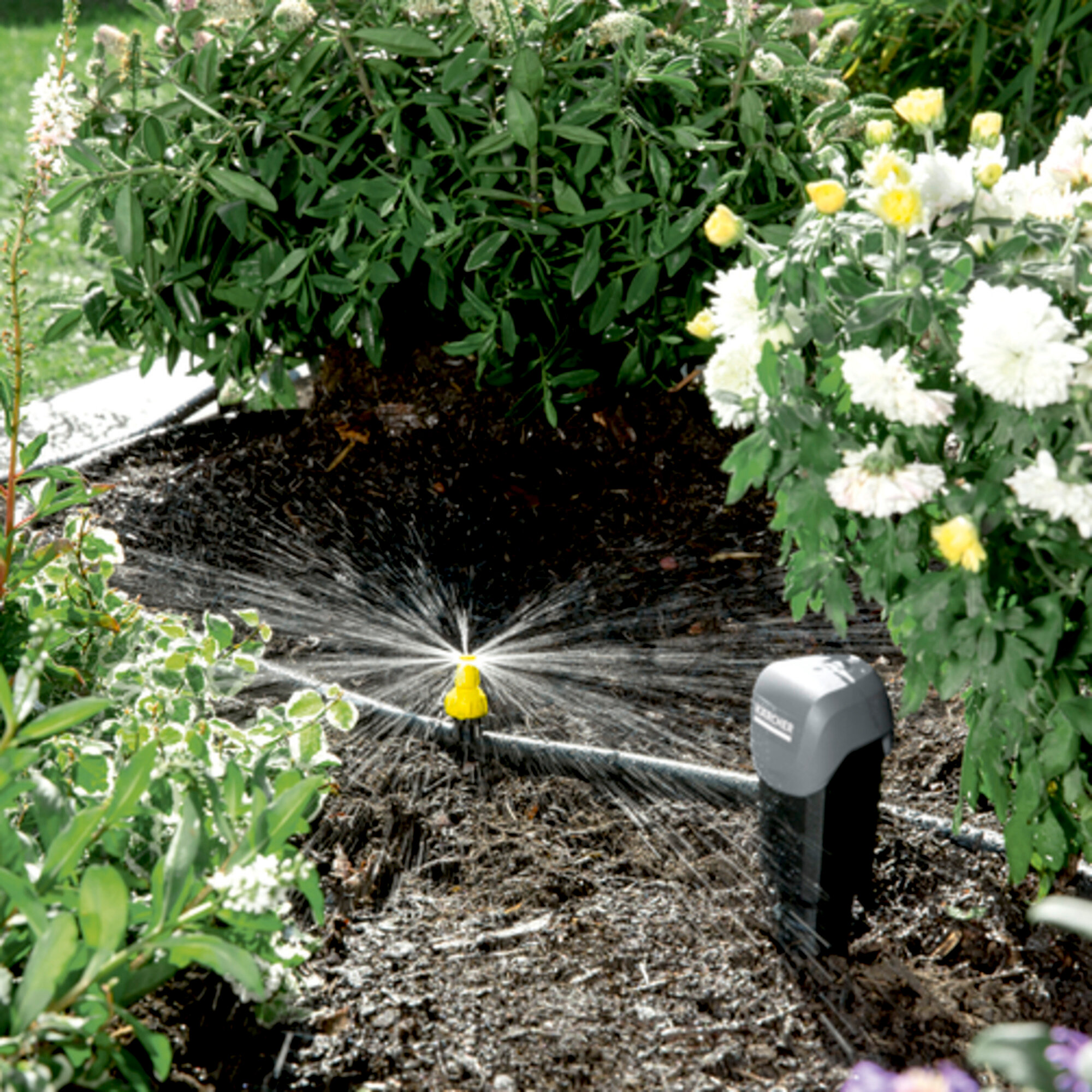
 SensoTimer ST 6 Duo eco!ogic: Moisture controlled watering
Moisture controlled watering
Efficient, water-saving and need-based watering of plants.
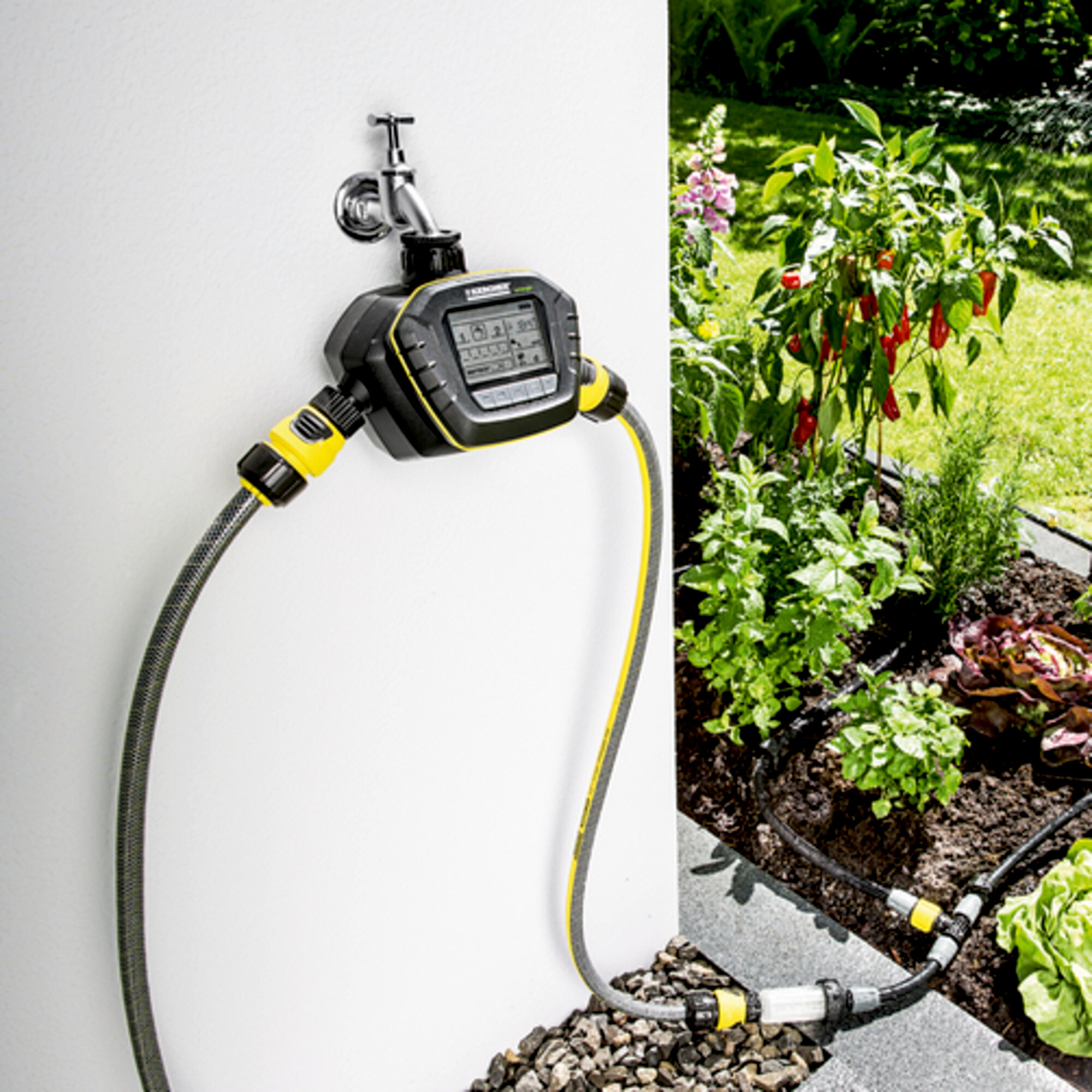
 SensoTimer ST 6 Duo eco!ogic: Two independent water outlets
Two independent water outlets
Need-based watering of various microclimates.
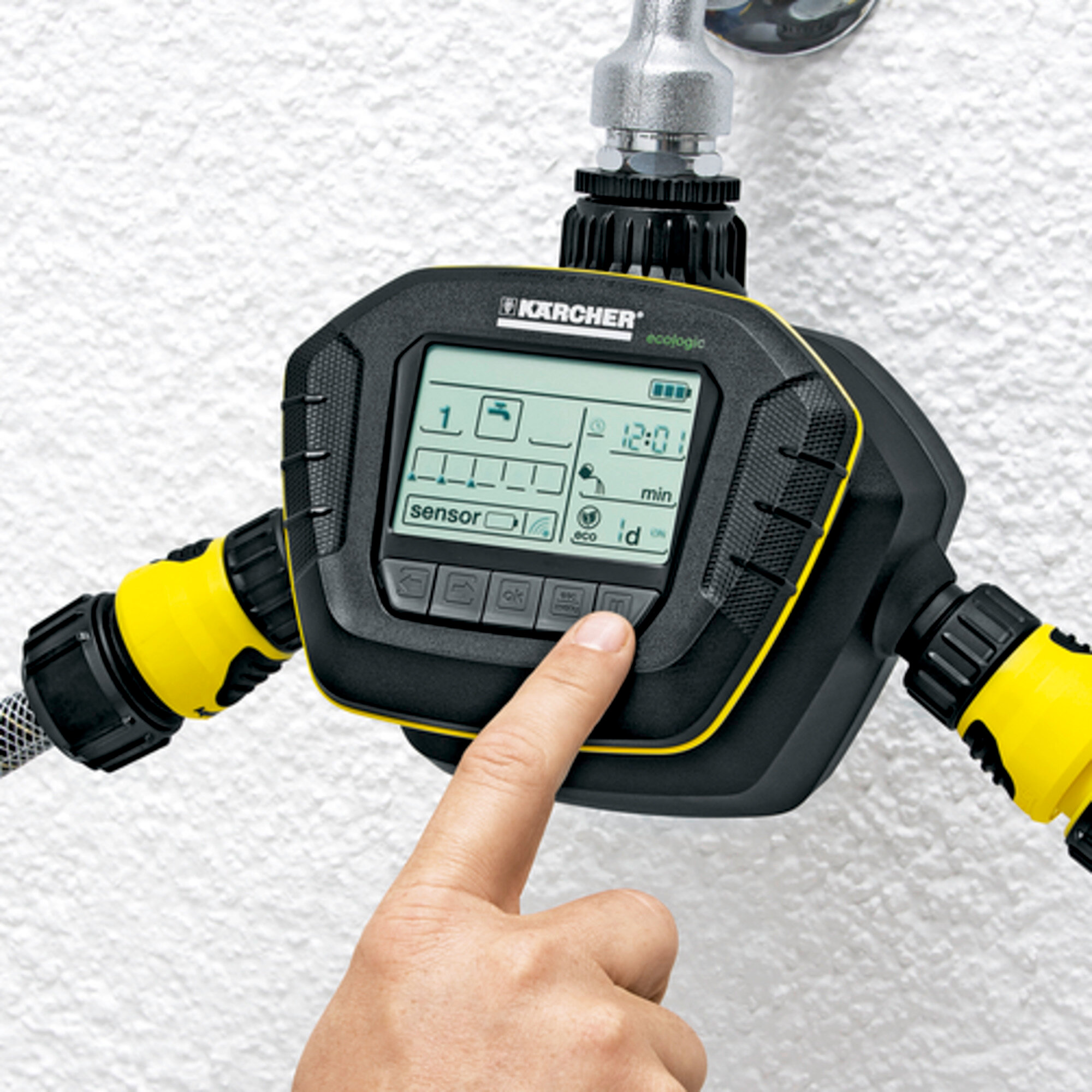
 SensoTimer ST 6 Duo eco!ogic: Automatic On/Off
Automatic On/Off
Targeted watering.
Removable display
  • Convenient programming.
Individual setting of watering frequency
  • Need-based watering.
Button for switching off watering for 24 hours
  • Deactivates watering for 24 hours.
Manual watering possible
  • Short-term water removal.
Specifications

Technical data

Connection thread G3/4 + G1
Max. pressure (bar) 10
Colour black
Weight (kg) 1
Weight incl. packaging (kg) 1,3
Dimensions (L × W × H) (mm) 119 x 234 x 148

When connecting these products to the drinking water network, you must observe the requirements of EN 1717. If necessary, ask your sanitary specialist. Contains manomaterials.

Scope of supply

  • Moisture sensor: 2 Piece(s)
  • Batteries included in scope of supply: no

Equipment

  • Programmable water outlet: 2 Piece(s)
  • Batteries required
  • Number of batteries: 3 x 9 V Block
 SensoTimer ST 6 Duo eco!ogic
Videos
Application areas
  • Garden watering
Accessories

Questions on the SensoTimer ST6 eco!ogic

General Information

The SensoTimer ST6 eco!ogic has only one water outlet and therefore only one sensor, while the ST6 Duo eco!ogic has two outlets and two sensors. However, the same display is used on both models. If at first no second sensor is incorporated, no second sensor is shown on the display. This remains the case until the SensoTimer is reset.

There are two types of connection for the SensoTimer:
a) installation of the valve unit directly on the tap;
b) installation of the valve unit on a wall. To do so, a supply line can be laid via a hose from the tap to the desired position, e.g. a wall of the house. The recesses on the back of the valve unit allow easy installation. For example, a multiple-connection distributor can be installed on the tap, thereby creating a free connection for manual watering.

Yes, the SensoTimer can be used to operate an underground watering system with high flow.

These include:
a) square sprinkler
b) rotating sprinkler
c) soaker hose
d) Kärcher Rain System

Sensor

The optimal position for the sensor is directly within the watering area.

Without obstacles, the sensor and control console can be placed up to 100 m apart.

No. Each sensor is connected to the control console with a unique address and assigned to a specific water outlet. To ensure smooth operation, learning how the machine works is necessary prior to the initial startup.

Within the first hour after initial startup, the sensor will send the readings to the control console every minute. The readings are then transmitted every 30 minutes.

Once you have entered all of the settings, you can check the functionality simply by dripping some water onto the white pad surface of the sensor. After a few seconds, the drops will appear on the display of the control console. The number of drops will normally rise to a full five drops, as the pad is very sensitive.

Functions

The factory settings will suffice initially, however the settings should be checked and adjusted according to the requirements of individual plants, in particular the triggering threshold for the watering. Any setting can be changed afterwards as required.

The sensor sends the moisture value to the control console every 30 minutes.

How wet the ground feels can vary depending on the type of earth. Potting soil, for example, soaks up water like a sponge and feels dry relatively quickly. Despite this, the SensoTimer will continue to show 5 drops on the display, since the actual moisture level of potting soil is higher than it feels.

The sensor sends data every 30 minutes. The watering could continue for a maximum of 29 minutes before the sensor transmitted the signal, thereby ending the watering. The watering would also be stopped as soon as water came into contact with the sensor pad. The water first of all spreads evenly over the ground.

Using the eco!ogic function, watering can be delayed by 1 – 7 days. This saves water and encourages plant root growth.
If the setting is at [ -d ] then the function is switched off and the watering starts as soon as the measured moisture level in the soil drops below the set triggering threshold.
If the function is activated, the watering will be delayed by the amount of time specified.

Example for a two-day delay:
assuming the watering was set to start on Monday at 8am if the soil moisture falls below the specified level, it has not rained, and a two-day delay was set, then the watering would not start until Wednesday at 8am. If it rains in the meantime and the ground reaches the desired moisture level then the watering would not start until the next specified time (assuming the soil once again falls below the specified moisture level). The time specified is delayed once again by two days.

Yes. Take the batteries out of the sensors and the control console and reinsert them shortly afterwards. When restarting the control console, press and hold the [OK] button until all of the symbols appear on the display and the clock begins to flash. Once you have set the time, the countdown begins and sensor 1 can be incorporated. Please follow the correct installation sequence when inserting the battery.

Troubleshooting

When the display shows "ERR", this is due to a problem with the valve. The valve may have been blocked by a foreign object. In order to restart the SensoTimer, the battery must be removed and reinserted. Remove the tap adaptor of the valve and look for foreign objects. Try to open the valve via the manual watering mode to wash out the foreign object.

The radio symbol flashes when the control console is searching for the sensor's radio signal. If the control console does not receive a signal for one hour, the display shows "Off". The signal can be started again by pressing the [ok] button.

The radio symbol flashes when ...
a) the distance between the sensor and control console is too large or is being blocked by other objects.
Tip: Reduce the distance between the control console and the sensor.
b) the control console is restarting.
The signal will be found automatically within half an hour.
Tip: If you remove and reinsert the battery in the sensor, the signal will be found within one minute.
c) there is interference with the radio signal and the control console is unable to find the sensor.
Tip: When the other signal stops causing interference, the sensor will be found automatically within 30 minutes.

"OFF" on the display points towards two possible causes:
a) The battery is flat.
When the battery is flat, the display will show "OFF". The battery symbol on the display will also show as flat. The battery must be replaced.
b) The sensor signal is not found.
When the control console loses the sensor signal, it will begin to search for it again and the radio symbol will flash. If the control console has not found the signal after one hour, the display will show "OFF". In this case, the battery symbol shows the current battery state and the radio symbol will flash. Restart by pressing the [ok] button.

Make sure the sensor pad is in contact with the ground. Please observe the information in the "Planting sensors" instructions for use.

Storage in winter

Unscrew the valve from the tap and empty the SensoTimer by opening the valves in manual mode. Remove the batteries from the control console and sensor and store all the parts until the following spring in a frost-proof location. Kärcher recommends using new batteries at the start of each watering season.

Spare parts

Yes, it is possible to replace the SensoTimer and then use a new sensor. Sensors are also available as spare parts
(part number: 4.645-499.0).

The sensor pad should be replaced annually at the start of each watering season to ensure correct readings. The sensor pad is available to buy under the part number 2.645-242.0.